Your go-to capture tool forUX Flows
Capture inspiring experiences on Chrome and Android or upload them from iOS, and bring it all into Figma.
Why Altnativ?
Great UX doesn't come from guesswork. Altnativ helps you capture real product flows and bring them into Figma, so you can review them and make sharper design decisions.
How it works
Capture on Chrome & Android, or upload from iOS
Grab screens as you browse on the web or explore apps on your phone, or upload manually from iOS.
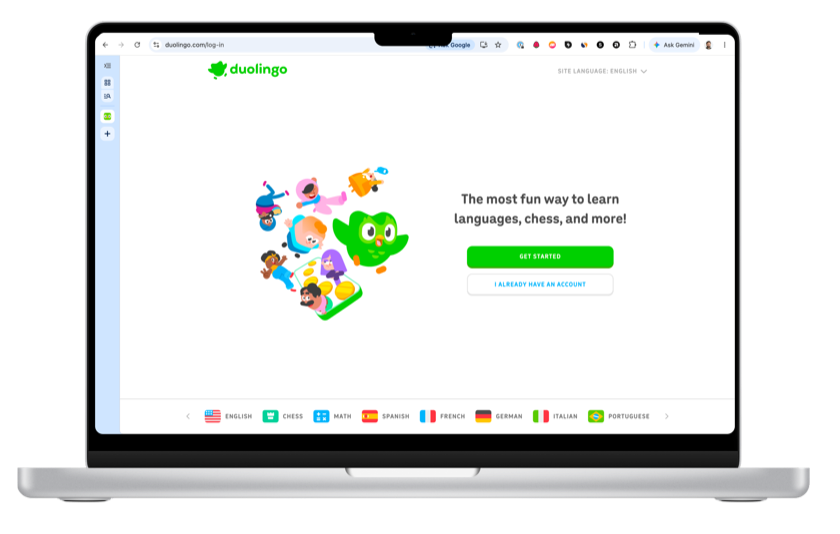
 Chrome
 iPhone
 Android
Everything lands in one library
All your screenshots upload to a single, organized library.
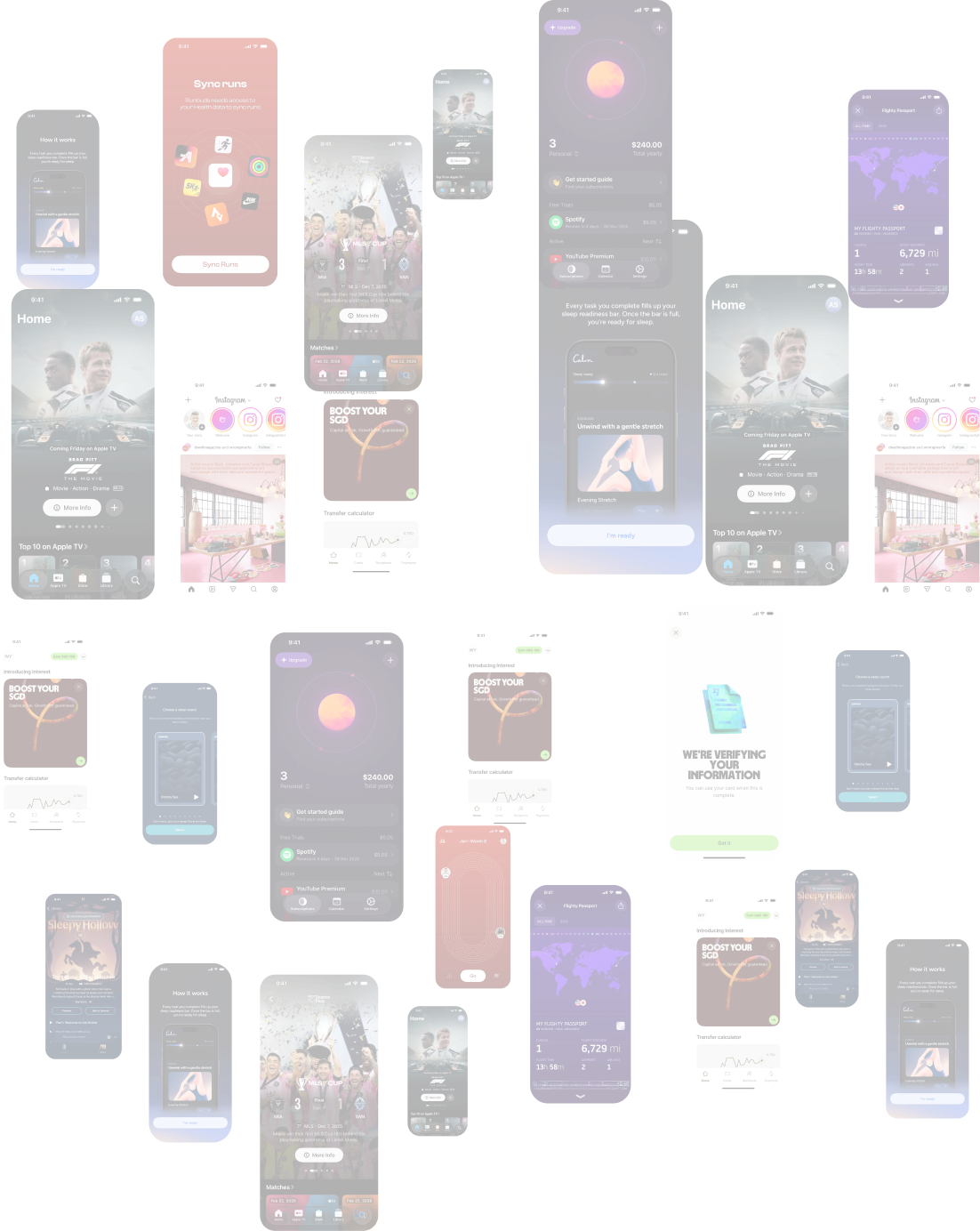

Select, Paste and Analyze your screenshots in Figma
Open the Altnativ plugin to compare flows and drop screens into your designs.

Autoport
the fastest way to get screenshots into Figma
Collect, Review and Send
Chrome to Figma
Capture as many screens as you like as you browse. Review your collection and pick exactly what to keep, then send to Figma all at once or one by one. It also saves everything to your personal library on Altnativ.
20 minutes+ wasted without altnativ
- Screenshot everything into folders
- Sort through and delete duplicates or bad shots later
- Drag all into Figma
- Remember to clear files from folders
Features
 Platform
Filter by device details
Filter your library by device, platform, and capture date or time
AutoPort
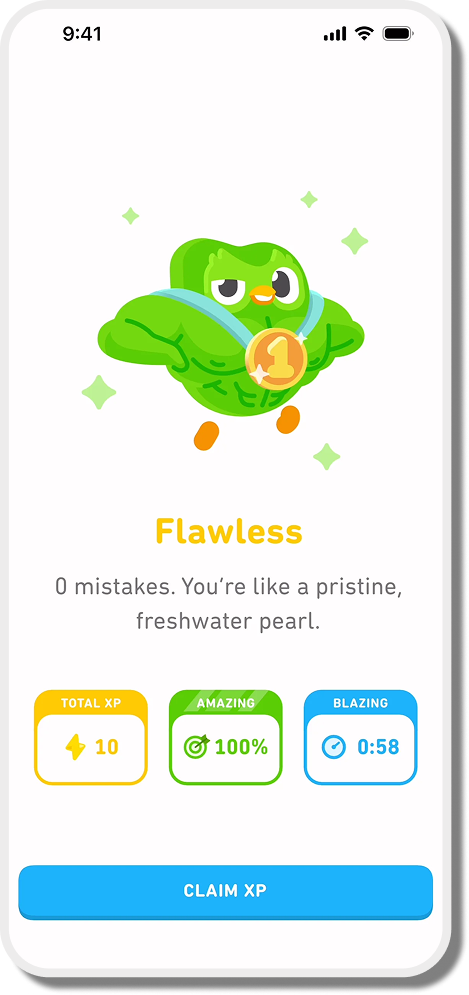
One-tap capture on Android that lands straight in your Figma plugin at 1:1
 Android


Multi-platform support
Capture on Chrome or Android, upload from iOS, and insert directly into your designs with the Figma plugin
Auto-captured source info
Chrome captures automatically include the site's favicon and URL, so every screenshot is labeled at the source
Screenshot Details
 Pro
ProStorage
Free: 2GB
Pro: 30GB




Auto-save with Cloud Sync
Every screenshot syncs to your library the moment you capture or upload it, available across supported devices
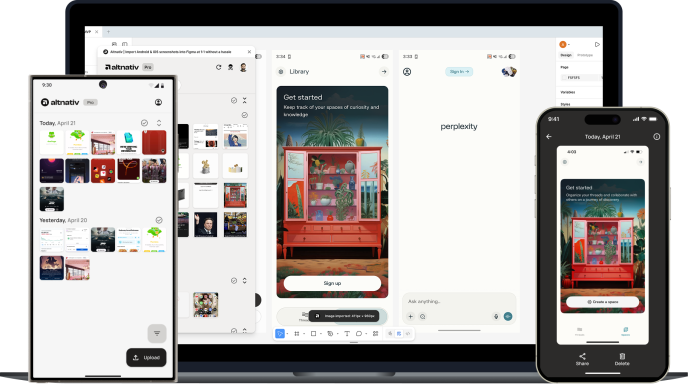
Apps to help collect UX research
Altnativ fits around your existing research habits so you never lose an experience that inspires you.
Scan with your device to download on iOS or Android
Or use the buttons below
Your captures stay yours.
Altnativ is built so you can do serious research without worrying where your screenshots end up.
Only what you choose to upload
We only store screenshots you explicitly send to Altnativ. Nothing else on your device is scanned or collected.
Private by default
Your screenshots are only visible when you're signed in to your Altnativ account.
You stay in control
Delete any screenshot from your library at any time.
No ads, no resale
Your screenshots exist to support your research and design work, not to be packaged up or sold.